
Quick Answer: Ubiquiti UniFi is a complete enterprise network ecosystem covering managed switches (UniFi Switching), Wi-Fi access points (UniFi WiFi), security cameras (UniFi Protect), door access control (UniFi Access), and VoIP (UniFi Talk). all managed from a single controller. Restrepo Innovations, a Ubiquiti UISP Pro Partner, installs the full UniFi ecosystem for luxury estates requiring unified infrastructure management.
One controller, one dashboard, one set of credentials -- across networking, surveillance, access control, phones, and identity. That is the UniFi ecosystem from Ubiquiti: a single managed platform where the Dream Machine Pro (or UDM-SE, UNVR-Pro, or Cloud Key Gen2 Plus) runs on your property and connects every layer of your building's technology infrastructure through one unified interface. No separate NVR software. No separate access control portal. No separate identity provider. The same admin credentials that configure your firewall also manage who can open the front door, who can view the cameras, and who gets a VoIP extension. For residential estates, boutique hotels, commercial offices, and select government installations, Restrepo Innovations -- a Ubiquiti UISP / Pro Partner -- deploys the full stack as a coordinated system rather than five independent point products.
Why Consolidation Matters in Luxury and Commercial Projects
The typical technology stack for a well-appointed home or mid-market commercial space looks something like this: Cisco Meraki for networking, a Hikvision NVR for cameras, Brivo for door access, RingCentral for phones, and Okta for identity. Five vendors. Five annual subscriptions. Five separate support contracts. Five potential single points of failure. When the door access system goes down, you call Brivo. When the cameras go offline, you call a different number. When the network drops, a third team gets involved -- and none of them talk to each other.
UniFi collapses that into one. Not because it is the only option in each category -- it is not -- but because the integration between modules is native, not bolted on. The camera at your front door records automatically when someone presents an unrecognized credential to the access reader. The network VLAN that cameras live on is configured in the same interface as the firewall rules that govern it. When you add a new employee in UniFi Identity, they get network access, door credentials, and a phone extension in a single provisioning step. That coherence is what Restrepo deploys as a unified system -- and it is only achievable when one team installs and configures the whole stack together.
The Five UniFi Modules
UniFi Network -- The Foundation
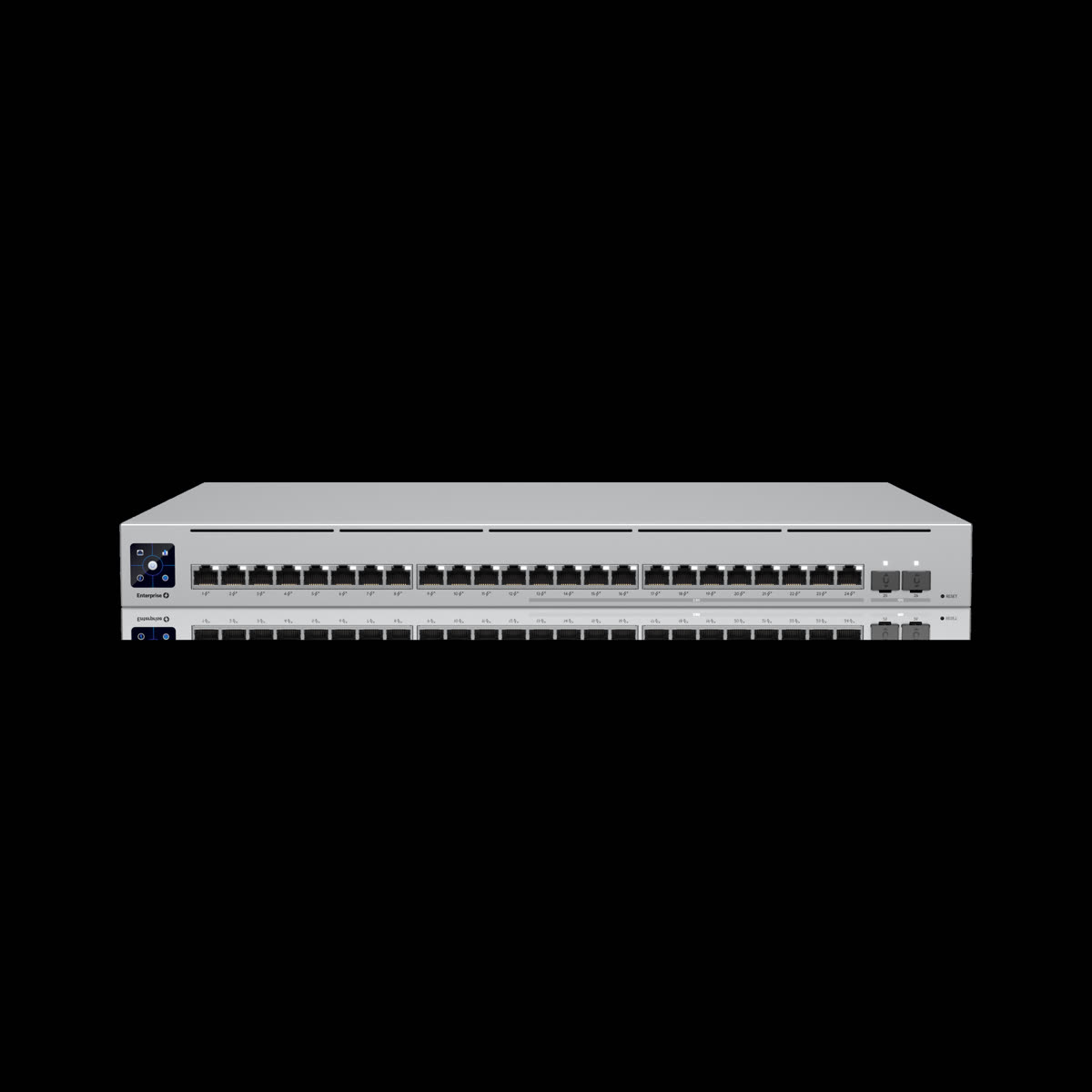
UniFi Network is the platform layer everything else rides on. At the routing and security gateway level, the Dream Machine Pro and UDM-SE handle routing, NAT, stateful firewalling, deep packet inspection (DPI), and intrusion detection and prevention (IDS/IPS) in a 1U rack unit. These are not consumer-grade functions dressed up in enterprise packaging -- the DPI engine classifies traffic by application in real time, traffic shaping applies per-VLAN bandwidth policies, and the IDS engine uses a regularly updated signature database.
The switching layer runs on the USW (UniFi Switch) lineup, available in 8- to 48-port configurations with PoE, PoE+, and PoE++ (802.3bt) options. Every PoE port can power access points, cameras, access control readers, VoIP phones, and AV distribution endpoints simultaneously -- and port-level PoE power monitoring is visible in the UniFi controller. VLAN segmentation is a first-class feature: Restrepo standard deployments isolate IoT devices, IP cameras, AV gear, guest traffic, and owner devices into separate VLANs with explicit inter-VLAN firewall rules. An IoT device on the lighting VLAN cannot initiate a connection to the camera VLAN without an explicit allow rule.
On the wireless side, the U6 and U7 access point series bring WiFi 6E and WiFi 7 performance to properties of any size. Site-to-site VPN connects multiple properties through the UniFi controller, giving multi-property luxury clients and UISP-managed portfolios consistent management across locations. See our full treatment of luxury home network and WiFi design and the Ubiquiti partner page for deployment examples.
UniFi Protect -- Video Surveillance
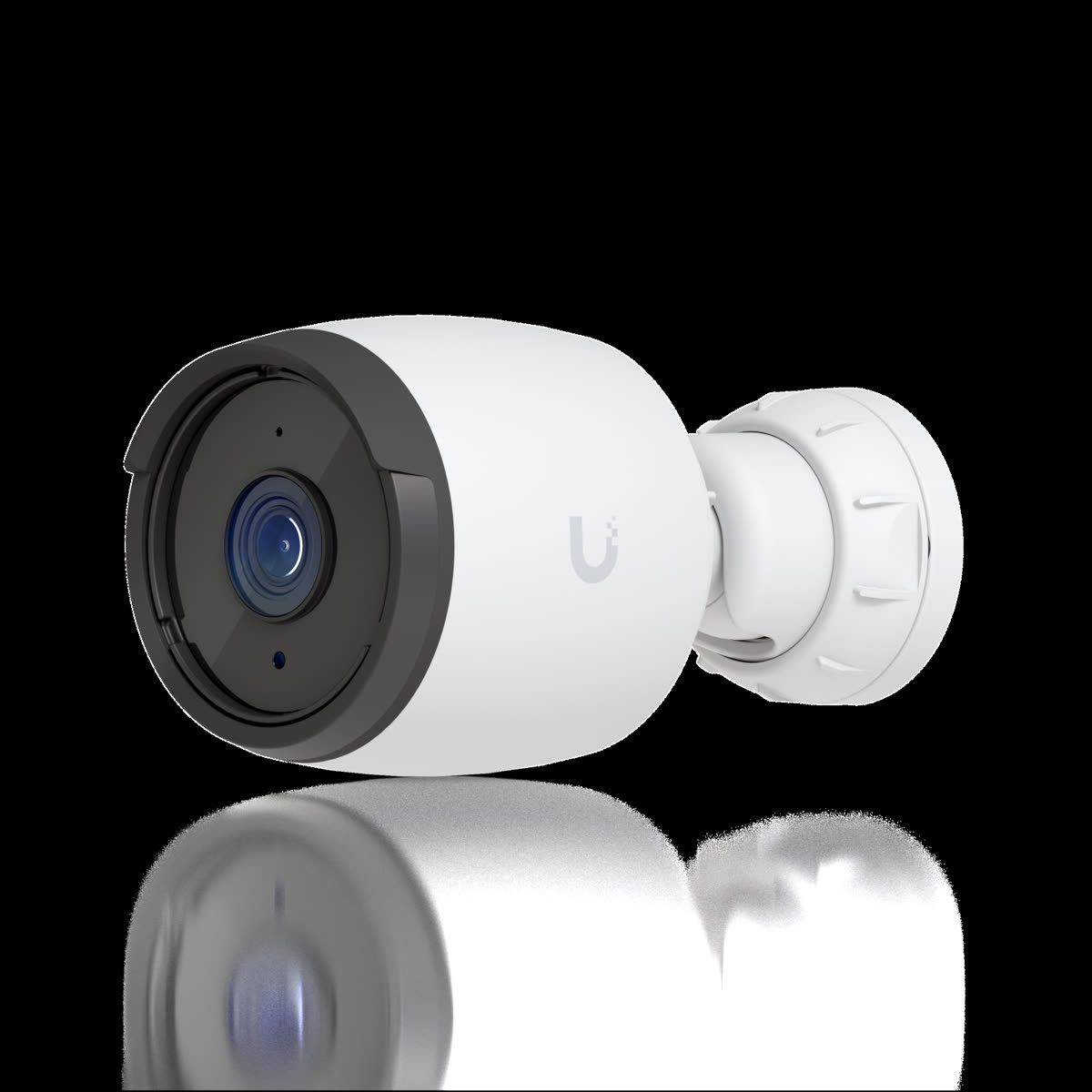
UniFi Protect replaces the traditional standalone NVR with an application that runs natively on the UniFi OS Console. Cameras -- including the G5 Bullet, G4 Pro, G5 Dome, and AI Pro models -- are adopted directly into the controller with no separate software license. Recording is local to the UNVR or UNVR-Pro (expandable to 4 or 7 drives), and no footage is required to pass through any Ubiquiti cloud infrastructure. The privacy architecture is genuinely local-first.
Smart Detections classify motion events by object type: person, vehicle, package, animal. AI Pro models add license plate recognition, enabling rule-based recording and alerts triggered by specific plates or by unrecognized vehicles. Retention policies can be set per camera and per event type -- continuous recording at 7 days, motion events at 30 days, license plate detections at 90 days -- without requiring manual storage management.
The integration with UniFi Access is what makes Protect more than a standalone NVR. When an access reader denies an unrecognized credential, the adjacent Protect camera can auto-record a clip tied to that event. When a visitor presses an intercom at the front entry, the Protect camera triggers a live view notification. These are not API integrations requiring custom development -- they are native automations configured in the UniFi controller.
UniFi Access -- Door Access Control
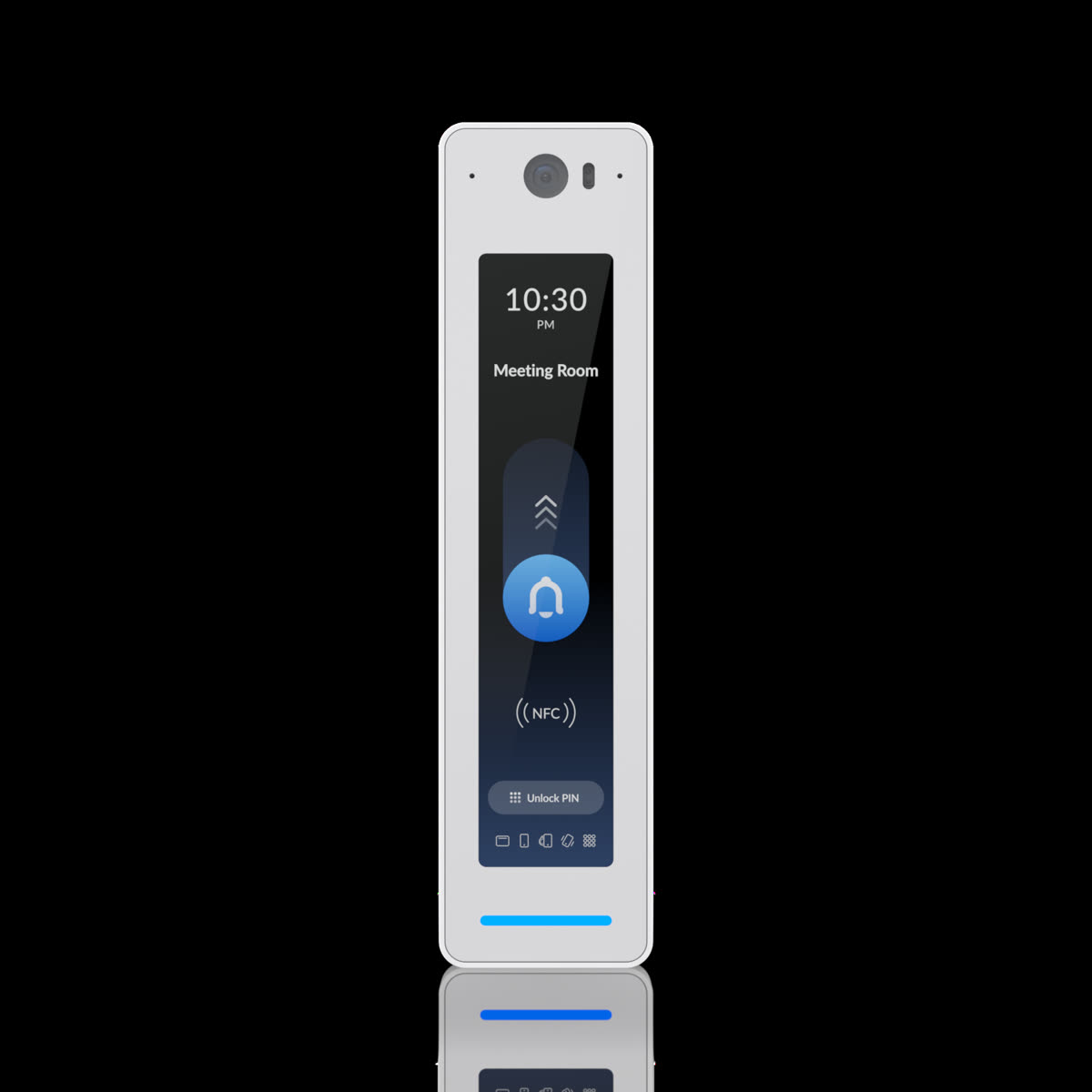
UniFi Access replaces traditional badge-access systems with a controller-integrated platform. The UA Hub door controller connects to electric strikes, magnetic locks, and request-to-exit hardware. UA Pro and UA G3 Flex readers support NFC, Bluetooth mobile credentials (via the UniFi Access app), PIN codes, badge cards, and fingerprint biometrics depending on model.
Visitor management, scheduled access windows, lockdown modes, and door intercom functionality are all configured in the same UniFi controller that manages the network and cameras. The identity integration is the key differentiator: a single user record in UniFi Identity drives both door access permissions and network VLAN assignment. Onboard a new household member or employee once, and they get the right door access, the right WiFi network, and the right camera viewing permissions -- with a single provisioning action. Off-board them, and all three are revoked simultaneously.
UniFi Talk -- VoIP Phone System
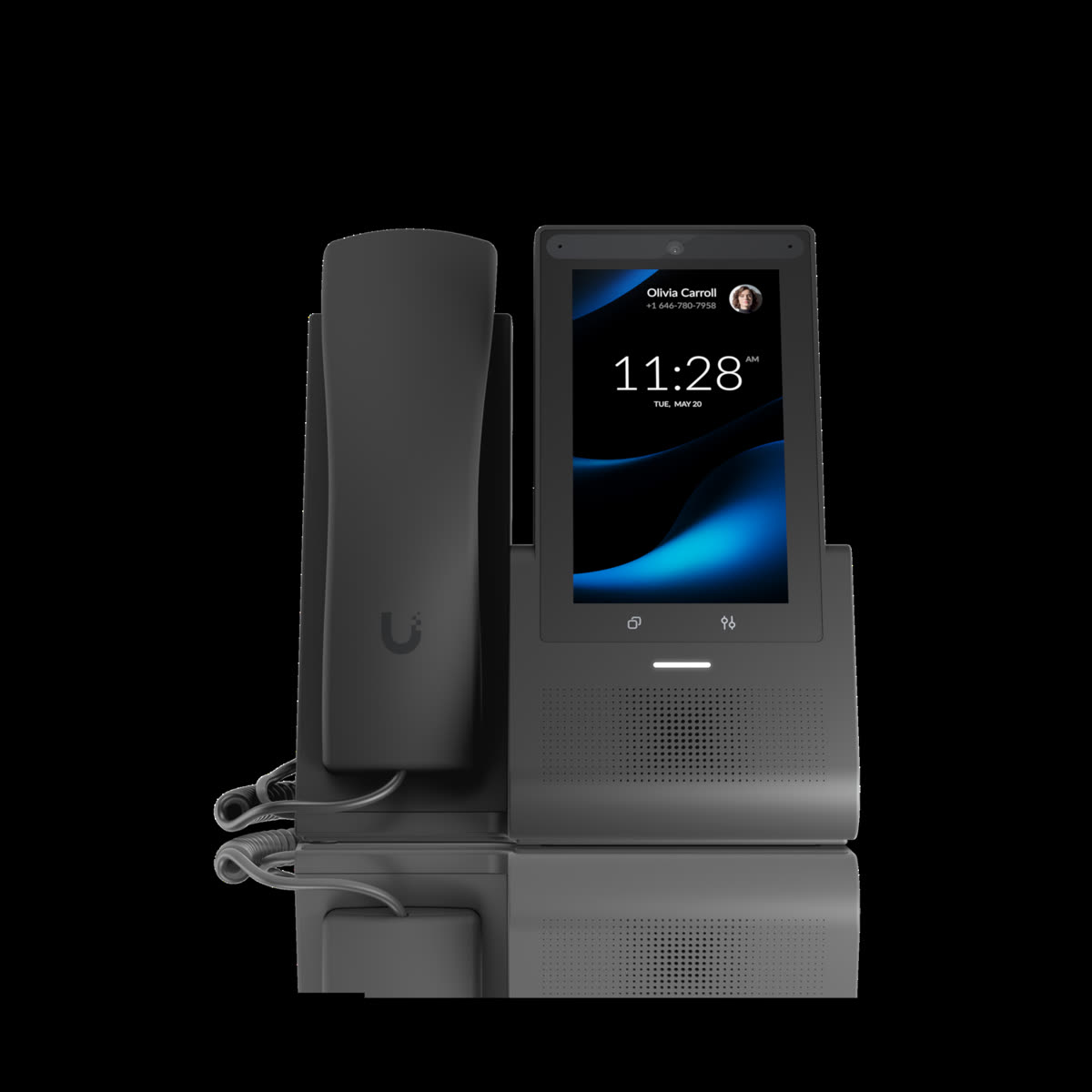
UniFi Talk is a SIP-based phone system that runs on UniFi hardware, including the Talk Flex desk phone and compatible handsets. It supports call routing rules, voicemail-to-email, conferencing, and extension management through the UniFi controller. For residential primary lines -- main house number, pool house extension, guest suite, caretaker quarters -- Talk is a clean, well-integrated solution that eliminates a separate PBX appliance and a separate vendor relationship.
In commercial settings, Talk fits small offices and executive suites well: up to roughly 20-30 extensions with standard call routing. It is honest to say that larger commercial operations requiring complex IVR trees, automatic call distribution (ACD), contact-center features, or deep CRM integration are better served by a dedicated VoIP platform. Restrepo will specify Talk where it fits and recommend purpose-built VoIP vendors where it does not.
UniFi Identity -- Single User Store and SSO
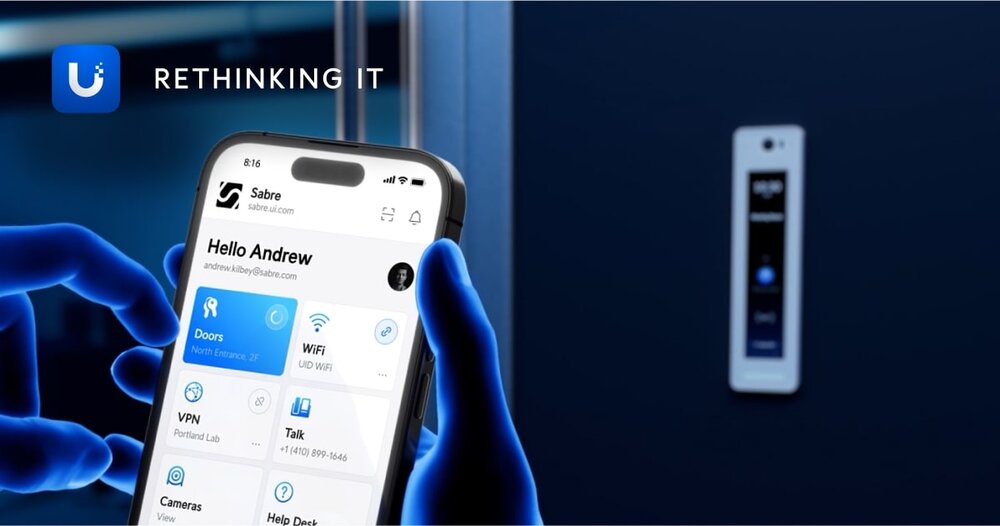
UniFi Identity is the layer that makes the entire ecosystem feel like one platform rather than five related products. It maintains a single user directory that simultaneously governs WiFi network access via RADIUS, door access permissions in UniFi Access, VoIP extension assignment in Talk, and camera viewing permissions in Protect. It also provides SAML and OIDC-based single sign-on into third-party applications -- SaaS tools, internal portals, cloud storage -- using the same credential set.
The operational value is in provisioning and deprovisioning velocity. Adding a new estate manager: create one record, assign VLAN, door groups, camera access, and Talk extension in one workflow. Property sold or staff departed: one deletion propagates across all five modules instantly. For multi-property clients managed through UISP, that same user record can span locations.
Webhooks and Automation -- The Under-Discussed Layer
Every UniFi module fires HTTP webhooks on events. Door opened. Motion detected. Unrecognized device joined the network. Login attempted. These are not log entries -- they are real-time outbound HTTP calls that downstream systems can act on immediately.
The integration surface is wide: Crestron, Home Assistant, Zapier, Make, and custom n8n workflows can all receive UniFi webhooks and trigger actions. The practical automations Restrepo pre-wires as part of standard deployments include:
- Front door unlocks via UniFi Access credential -- Crestron executes entry scene: hallway lights to 80%, Sonos plays arrival chime, climate system resumes occupied mode.
- Driveway camera detects motion after 11pm -- outdoor PoE-powered landscape lights go from 30% to 100%, security zone notification fires to Restrepo on-call and homeowner app.
- Unrecognized device joins network -- webhook to n8n workflow: device MAC is logged, network team is notified, device is automatically locked to guest VLAN with internet-only access until reviewed.
These workflows are not afterthought add-ons. As a UISP / Pro Partner, Restrepo configures them during commissioning, documented in the project's as-built, and covered under the Restrepo Care Plan we include with every full-stack deployment.
Management Depth -- What UISP / Pro Partner Status Delivers
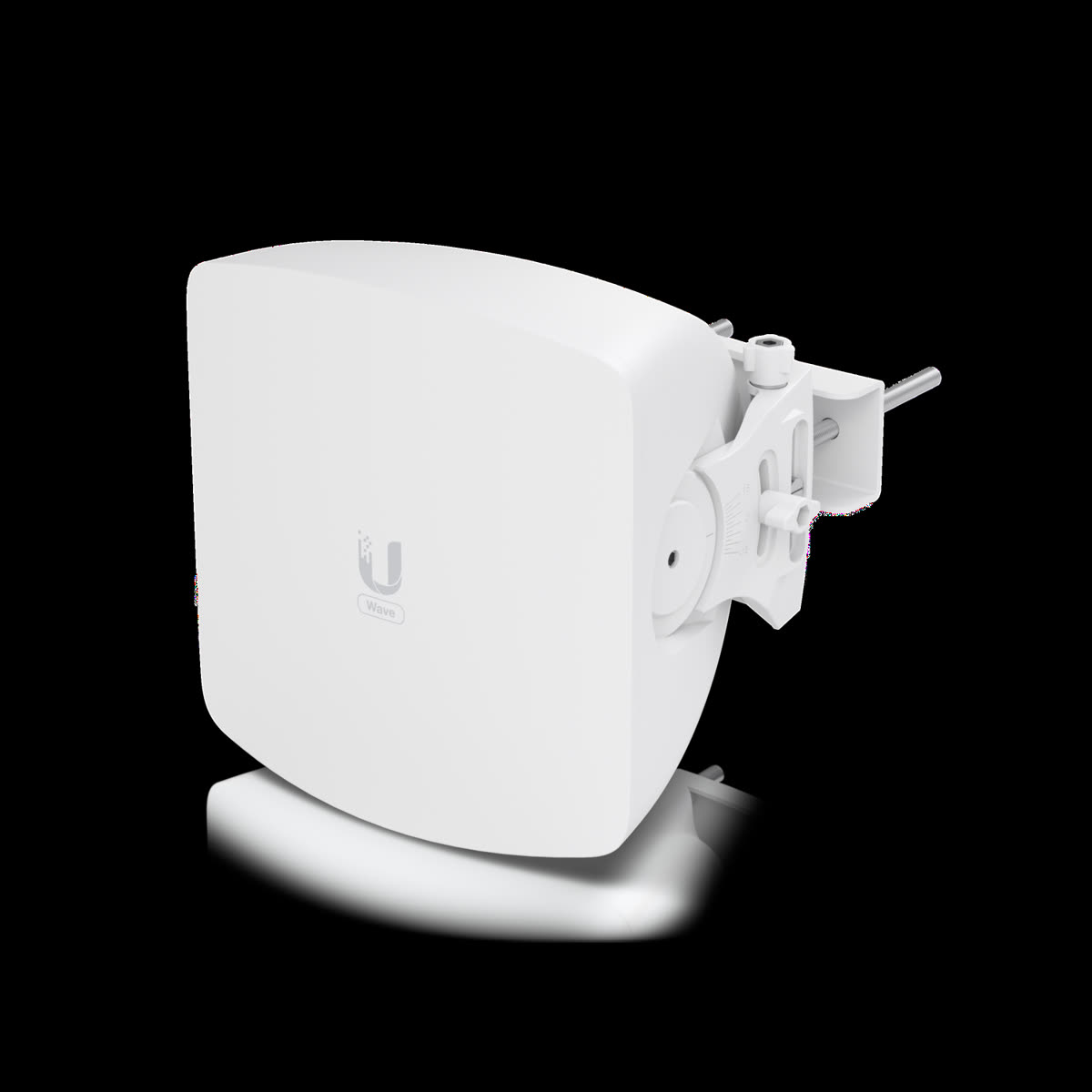
Restrepo Innovations holds Ubiquiti UISP / Pro Partner status. UISP (the Ubiquiti ISP management platform) provides site management, alert rollups, and multi-tenant dashboards originally designed for wireless internet service providers -- but equally valuable for managing a portfolio of luxury residential and commercial properties under one operator. A single pane of glass shows firmware status, device health, and active alerts across every property in the portfolio.
Pro Partner status adds priority technical support access to Ubiquiti's engineering teams -- not a front-line support queue. It includes advance firmware access before public release, allowing Restrepo to evaluate major updates in a controlled environment before pushing them to client sites. It provides a deeper RMA process for faster hardware replacement when a unit fails. For clients, this translates to two practical outcomes: shorter time to resolution when something does go wrong, and proactive firmware management that eliminates the scenario where a major update breaks something on a Friday afternoon.
UISP tools also allow Restrepo to set maintenance windows, stage firmware updates by property tier, and maintain a live inventory of every device across every managed site -- all without requiring on-site presence for routine maintenance.
Where UniFi Is Not the Right Answer
Being honest about platform limitations is part of what makes a deployment partner worth trusting.
- Enterprise scale (10,000+ users, global WAN with strict SLAs): Cisco Meraki and Aruba Central have purpose-built enterprise support infrastructure, carrier-grade SLA guarantees, and global network operations centers that UniFi does not match. For true enterprise networks, those platforms may still win.
- Complex phone systems with IVR, ACD, and contact-center features: UniFi Talk is not a contact center platform. RingCentral, 8x8, or a managed Asterisk deployment will handle those use cases better.
- Mission-critical 24/7 facilities (hospitals, data centers): Dual-vendor redundancy with independent management planes is the standard in those environments. Single-vendor convenience trades against the multi-vendor redundancy that true mission-critical operations require.
For the residential, small-to-mid commercial, hospitality, and government/military (non-classified zones) clients Restrepo serves, UniFi hits the right point on the performance-to-manageability curve.
Which Restrepo Clients Benefit Most
| Client Type | Typical UniFi Modules | Key Value |
|---|---|---|
| Residential Luxury | Network, Protect, Access, Talk | One platform across multiple properties; UISP rollup; webhook-driven Crestron automation |
| Commercial Office (small-mid) | Network, Protect, Access, Talk, Identity | Single-vendor managed platform; one-click staff provisioning and deprovisioning |
| Hospitality (boutique hotels) | Network, Protect, Access | Guest/staff VLAN segmentation; back-of-house access control; no cloud dependency |
| Government / Military (non-classified) | Network, Protect (isolated subnets) | Local-first architecture; air-gap capable; no mandatory cloud dependency for core function |
The Restrepo Deployment Standard
Restrepo Innovations does not sell UniFi hardware and hand over a configuration guide. As a UISP / Pro Partner, we design the full system architecture -- VLAN topology, AP placement, camera coverage maps, door controller locations, webhook endpoints -- before a single device is racked. We install and commission the complete stack in-house, with no subcontractors touching the configuration. Webhooks are pre-wired to the Crestron, Sonos, and lighting systems we install alongside. The as-built documentation lives in UISP alongside the device inventory.
Post-commissioning, every full UniFi deployment is enrolled in an Restrepo Care Plan that covers remote monitoring, proactive firmware management, and priority response. Related reading on the network infrastructure side: why luxury home WiFi glitches at 8pm and what a proper managed network design resolves. For alternative networking platforms in cases where UniFi is not the right fit, see our partner pages for Araknis Networks and Ruckus Networks.
<.-- FAQ Section -->Frequently Asked Questions
What is the UniFi ecosystem?
UniFi is a managed platform from Ubiquiti that unifies networking (routing, switching, WiFi), video surveillance (UniFi Protect), door access control (UniFi Access), VoIP phones (UniFi Talk), and single sign-on identity (UniFi Identity) into one self-hosted controller running on a UniFi OS Console -- such as a Dream Machine Pro, UDM-SE, Cloud Key Gen2 Plus, or UNVR-Pro. One UI, one user database, one set of integrations.
Do I need to use all five UniFi modules together?
No. Each module operates independently and adds value on its own. Most residential projects start with UniFi Network and add Protect for cameras. Commercial and hospitality clients often add Access for door control. Talk and Identity are optional layers that add value when you want phone service or centralized user management. You can start with the network and expand as needs grow.
What is the difference between UniFi and Cisco Meraki for a luxury home?
Both are enterprise-class managed platforms, but they serve different use cases. Cisco Meraki is cloud-dependent by design and licenses are required annually -- the hardware stops functioning if you stop paying. UniFi is self-hosted: the controller runs on-site on your UniFi OS Console, requires no ongoing subscription for core features, and you own the data. For luxury residential and small-to-mid commercial, UniFi's price-to-performance ratio and local-first architecture are typically the better fit. Meraki has advantages at enterprise scale (10,000+ users, global WAN with strict SLAs) where Cisco's support infrastructure matters.
Can UniFi cameras work without a cloud subscription?
Yes. UniFi Protect runs entirely on-site on a UniFi OS Console with local storage (UNVR or UNVR-Pro with hard drives). No cloud subscription is required for recording, playback, motion detection, or smart detection features. Remote access uses Ubiquiti's secure tunnel and requires a free Ubiquiti account. No footage leaves your property unless you explicitly configure cloud backup.
Does UniFi Access work with Apple Wallet or Google Wallet keys?
UniFi Access supports NFC and Bluetooth mobile credentials through the UniFi Access app. Native Apple Wallet or Google Wallet integration (the kind where you tap from the lock screen without opening an app) is not a standard feature as of current firmware. The UniFi Access app provides mobile credential functionality that covers most use cases. For luxury residential applications, mobile credentials plus PIN and badge options are the typical configuration Restrepo deploys.
Can UniFi Talk replace my office phone system?
UniFi Talk is a SIP-based phone system well-suited for residential primary lines, small offices, and executive suites -- typically up to 20-30 extensions with standard call routing and voicemail-to-email. For larger offices needing complex IVR trees, ACD queues, call center functionality, or deep CRM integration, a dedicated VoIP vendor (such as RingCentral, 8x8, or a managed Asterisk deployment) is still the better answer. Restrepo will tell you honestly which category your project falls into.
What does Restrepo's UISP / Pro Partner status mean for me?
Restrepo Innovations holds Ubiquiti UISP / Pro Partner status, which provides priority technical support from Ubiquiti's engineering teams, advance access to firmware before public release, a deeper RMA process for faster hardware replacement, and access to Ubiquiti-issued training materials. For clients, this translates to shorter resolution times when issues arise, proactive firmware management (we do not push major firmware updates on Friday afternoons), and multi-property management through UISP tools.
How do webhooks connect UniFi to my Crestron system?
UniFi modules fire HTTP webhooks on events -- door opened, motion detected, device joined the network, login attempted. Crestron processors can receive these webhooks via HTTP server modules or through an intermediary automation platform (Home Assistant, n8n, Make) that translates the UniFi event into a Crestron API call or TCP command. Restrepo pre-wires these workflows during commissioning as part of our UISP / Pro Partner standard deployment -- so when the front door unlocks, Crestron executes the entry scene automatically without any manual programming by the homeowner.
Ready to deploy a unified UniFi system?
Call 201.405.2022 or schedule a complimentary consultation. Restrepo Innovations -- Ubiquiti UISP / Pro Partner, Elite Pro Crestron Dealer, HTA Luxury Certified.
Book a ConsultationProduct images: Ubiquiti, Inc. (ui.com / store.ui.com). Used under Restrepo Innovations' UISP / Pro Partner relationship.